Mobli
Social Media Sharing
Sharing is caring?
Mobli was the platform that revolutionized real-time sharing of captivating photos and videos, connecting people worldwide. Broadcast live events, follow trending topics with location hashtags, and explore channels that pique your interests. Unleash your creativity with innovative filters and be part of a dynamic community where every moment comes to life in an instant.

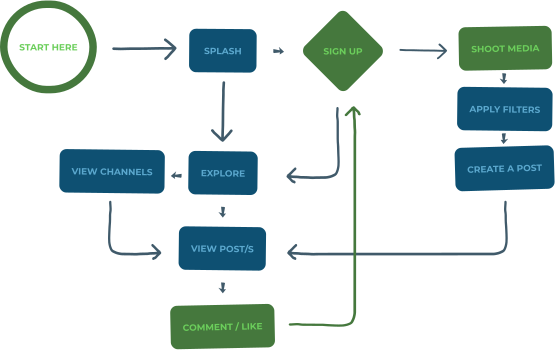
User Flow
Views
splash / Loading

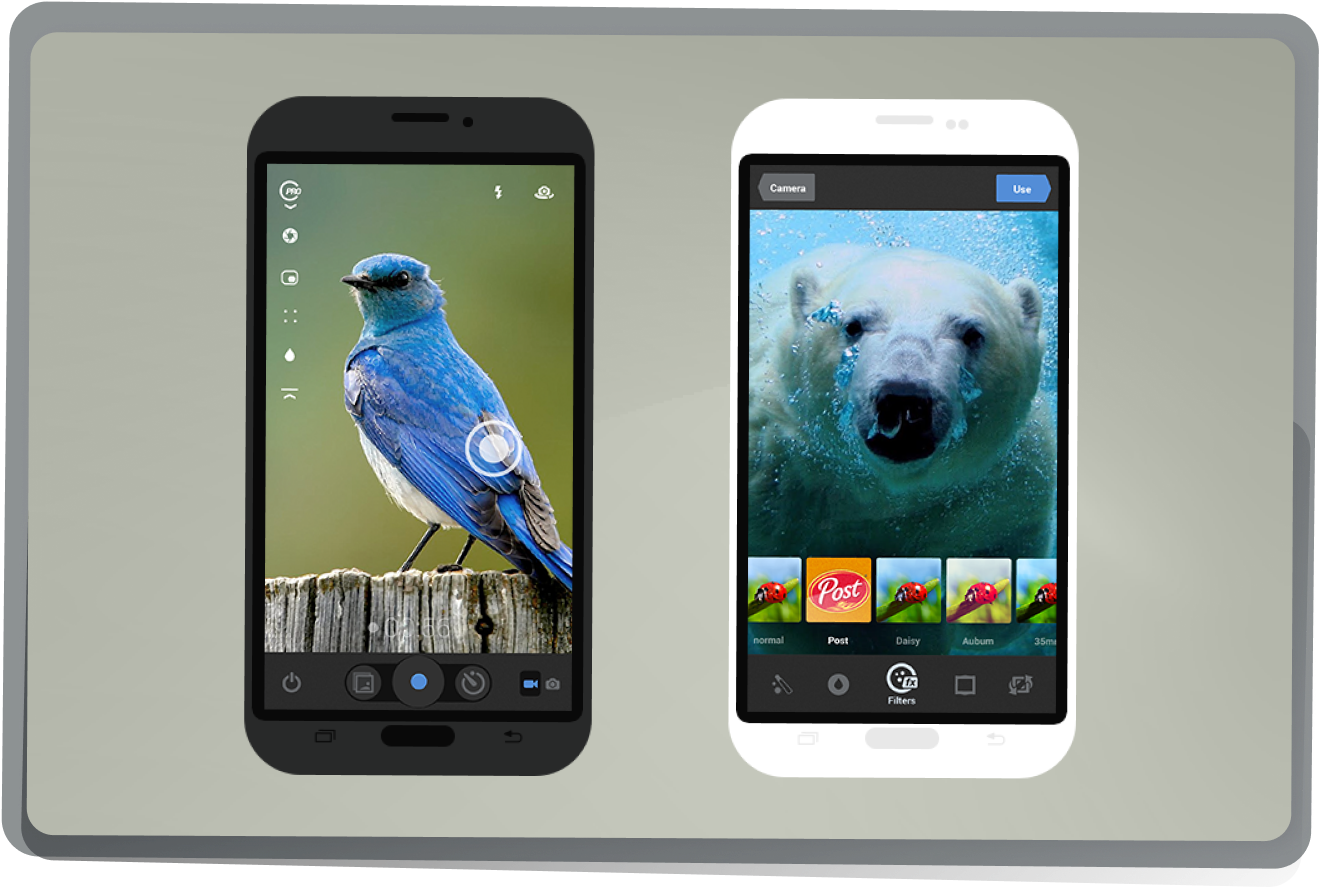
Camera & Filters
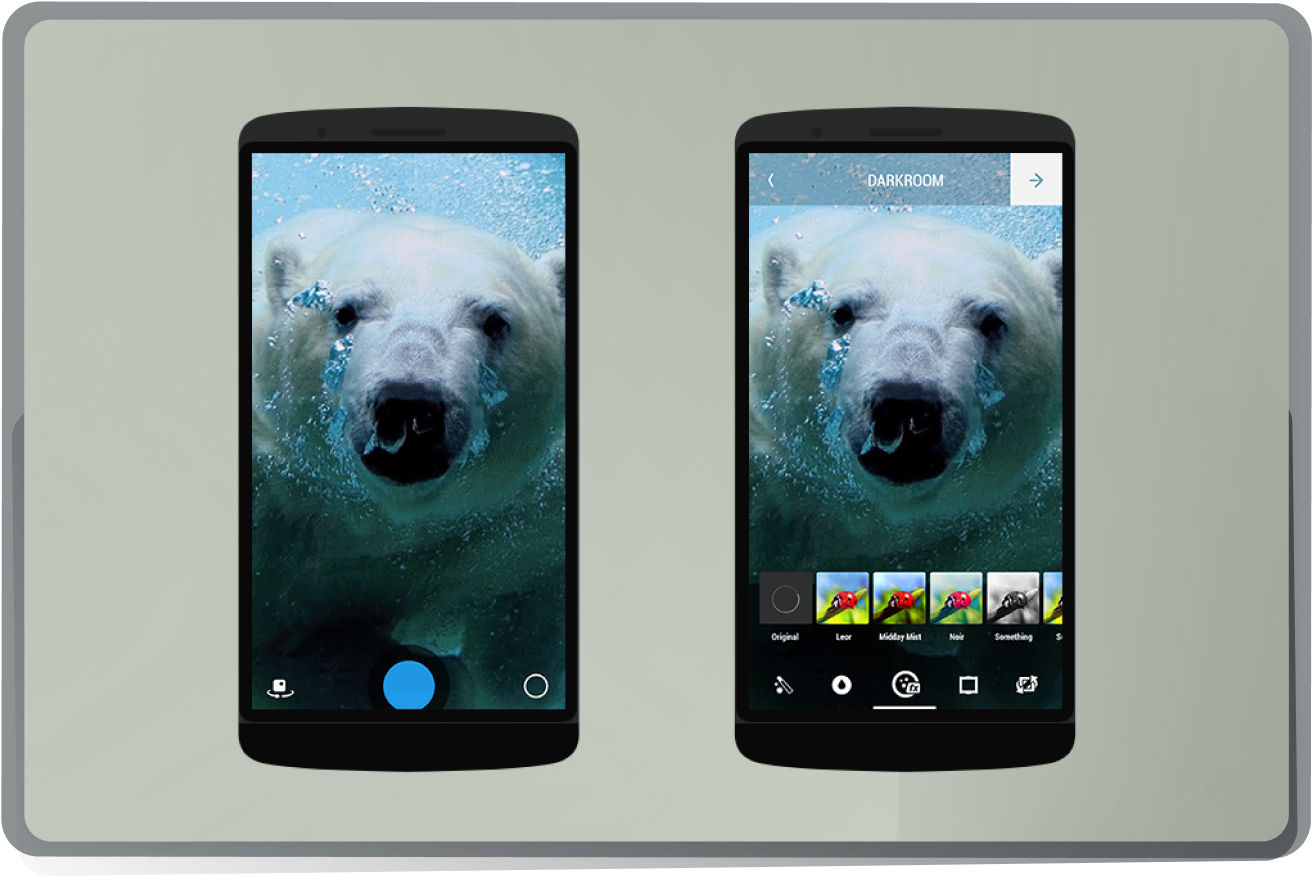
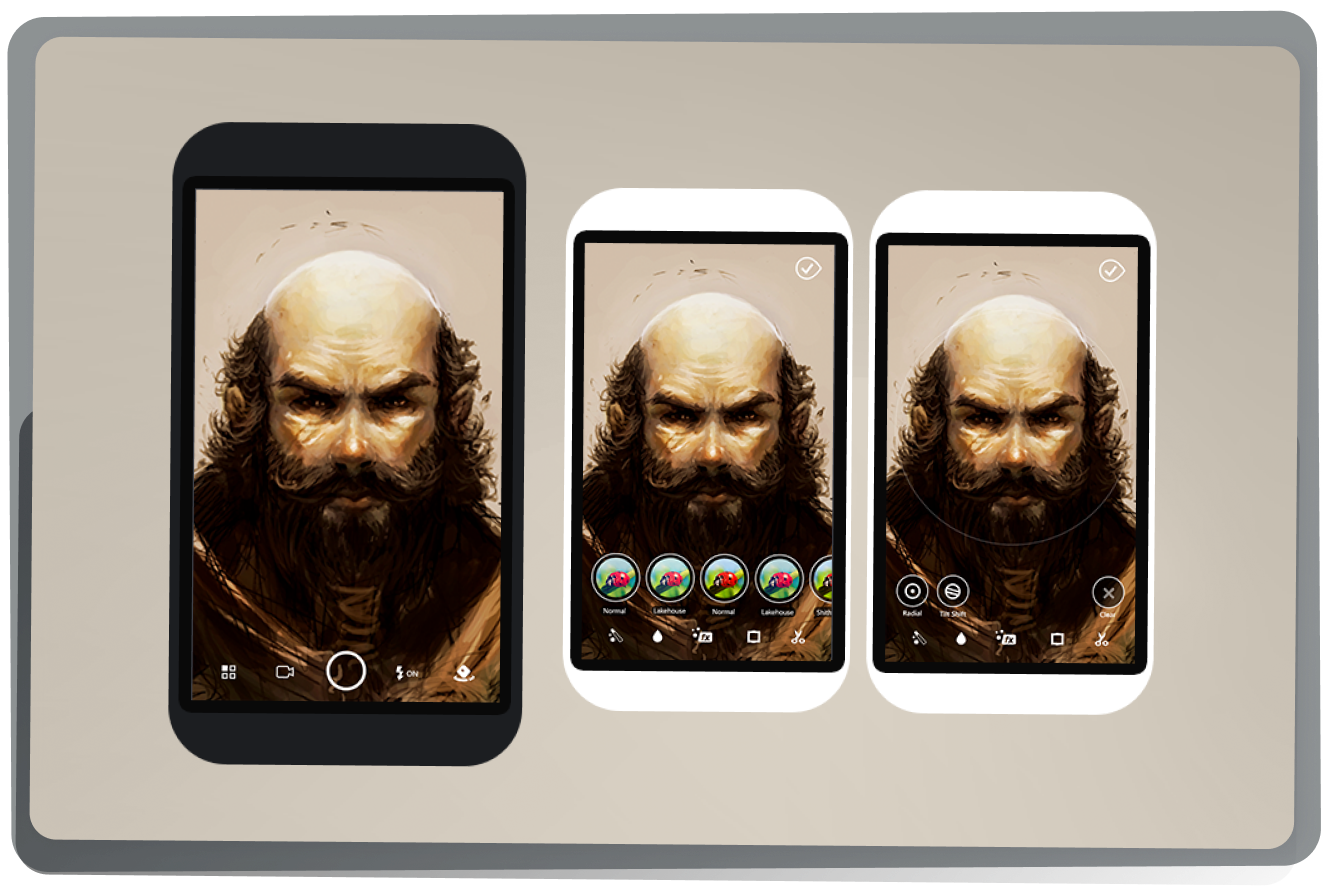
The camera view follows Google's Material Design principles with a clean interface, featuring a prominent shutter button and clear viewfinder. The filter selection view presents a grid or scrollable list of filters with thumbnail previews, allowing users to easily choose and apply desired effects.
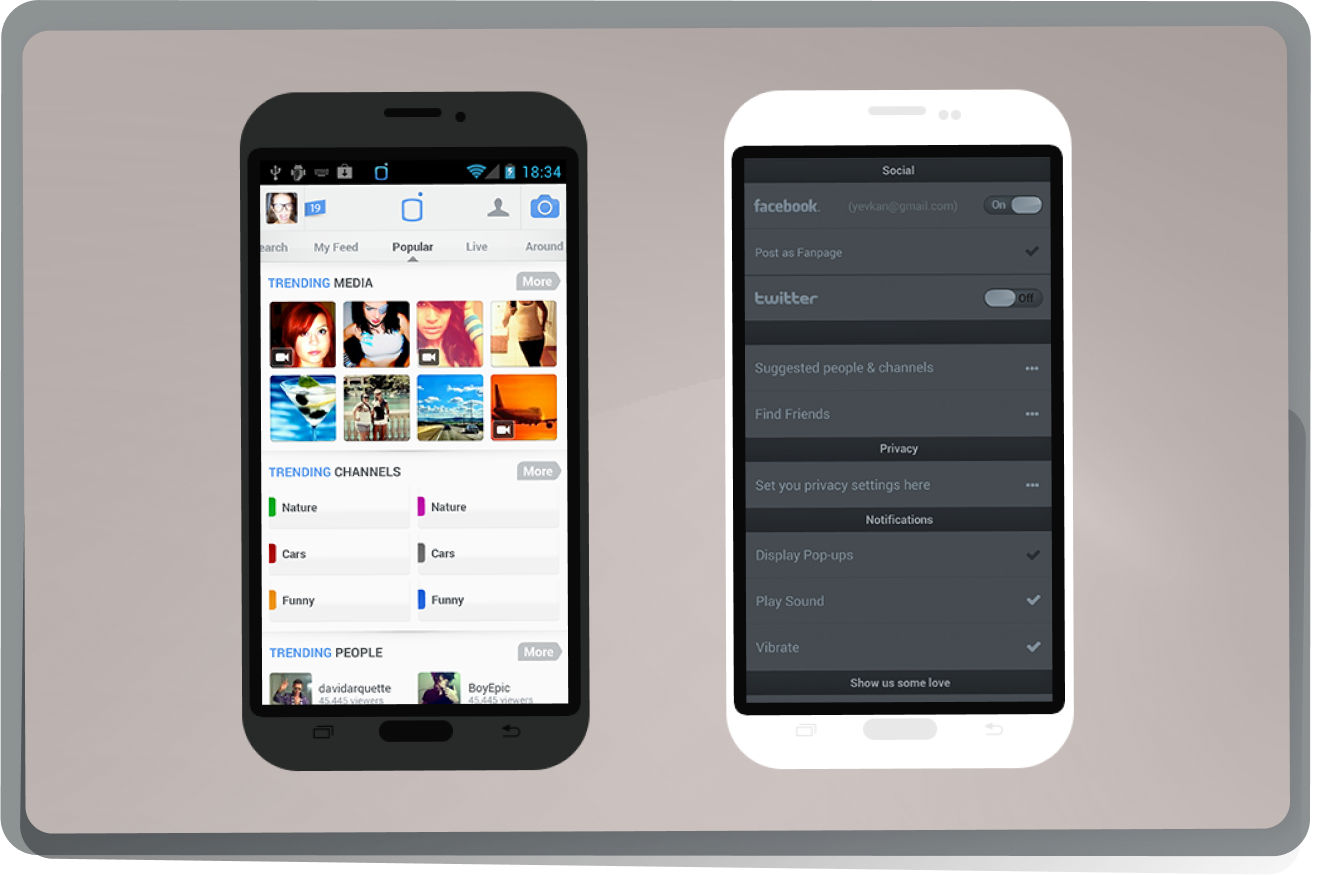
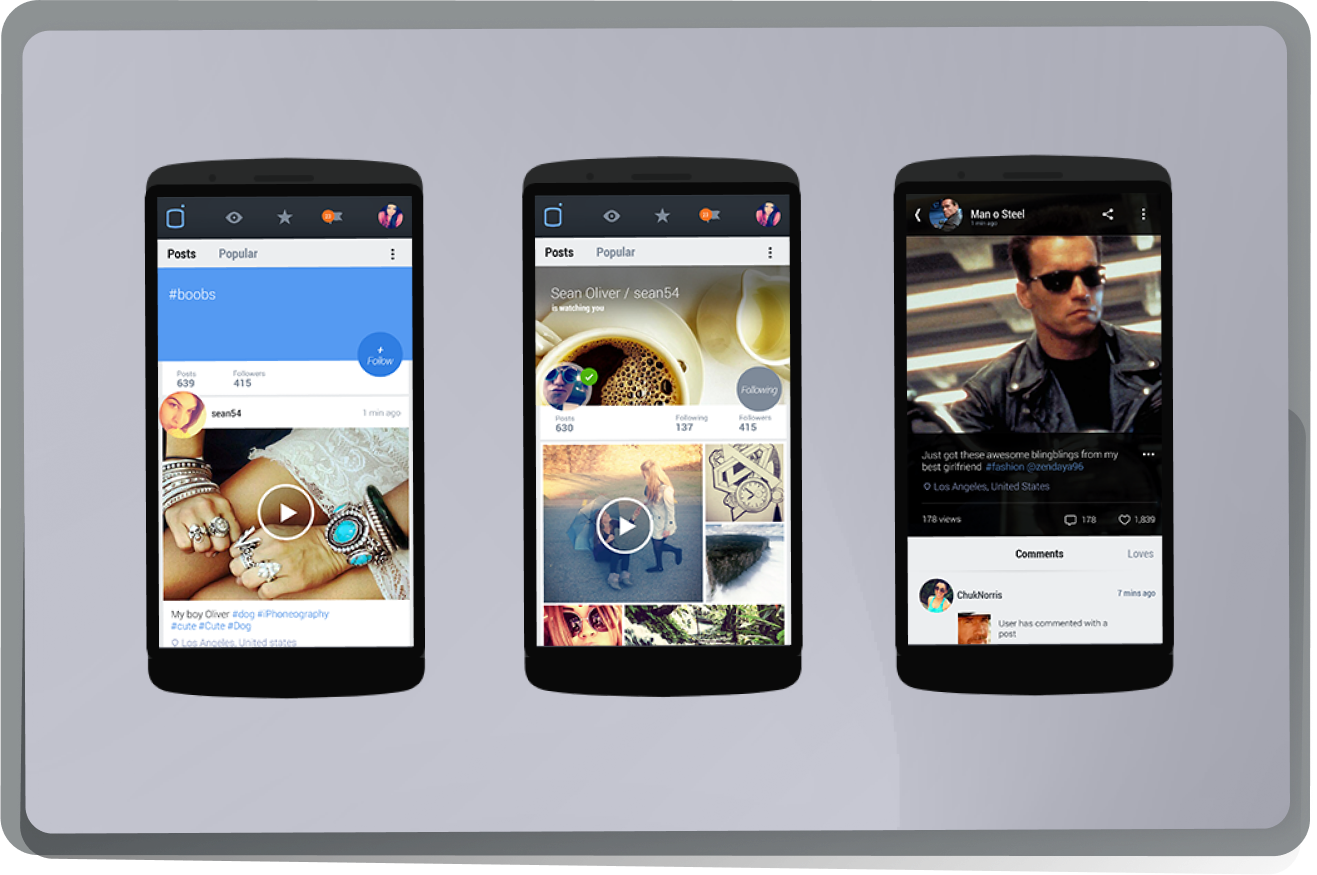
Popular view & settings screen
Main application hub with different feeds tailored for the users. Custom settings screen design.
Views V.3
At a later iteration of the application, The UI was face lifted to match the new Android ecosystem.
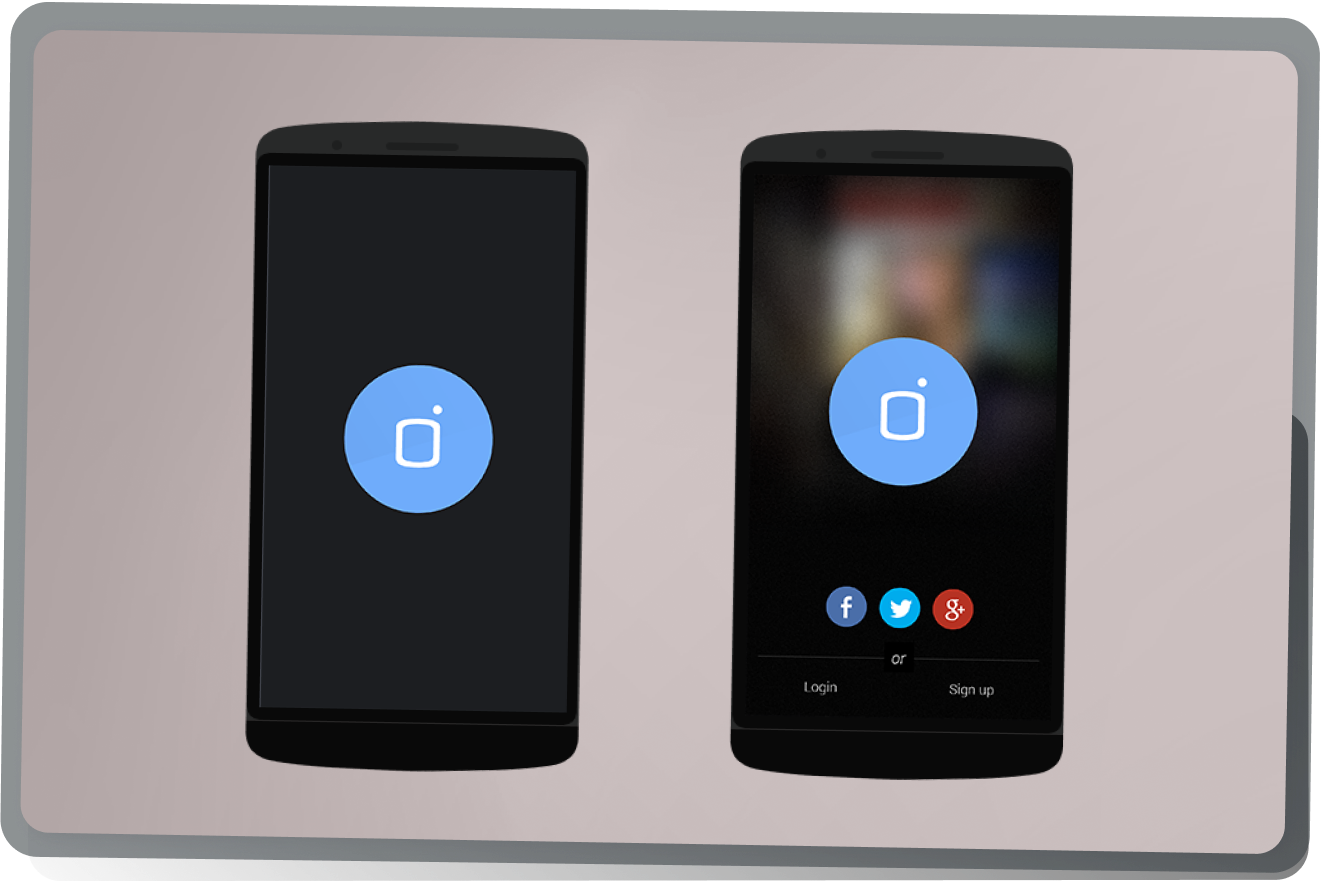
Splash and Login
Splash screen and login were redesigned for a newer version of the application
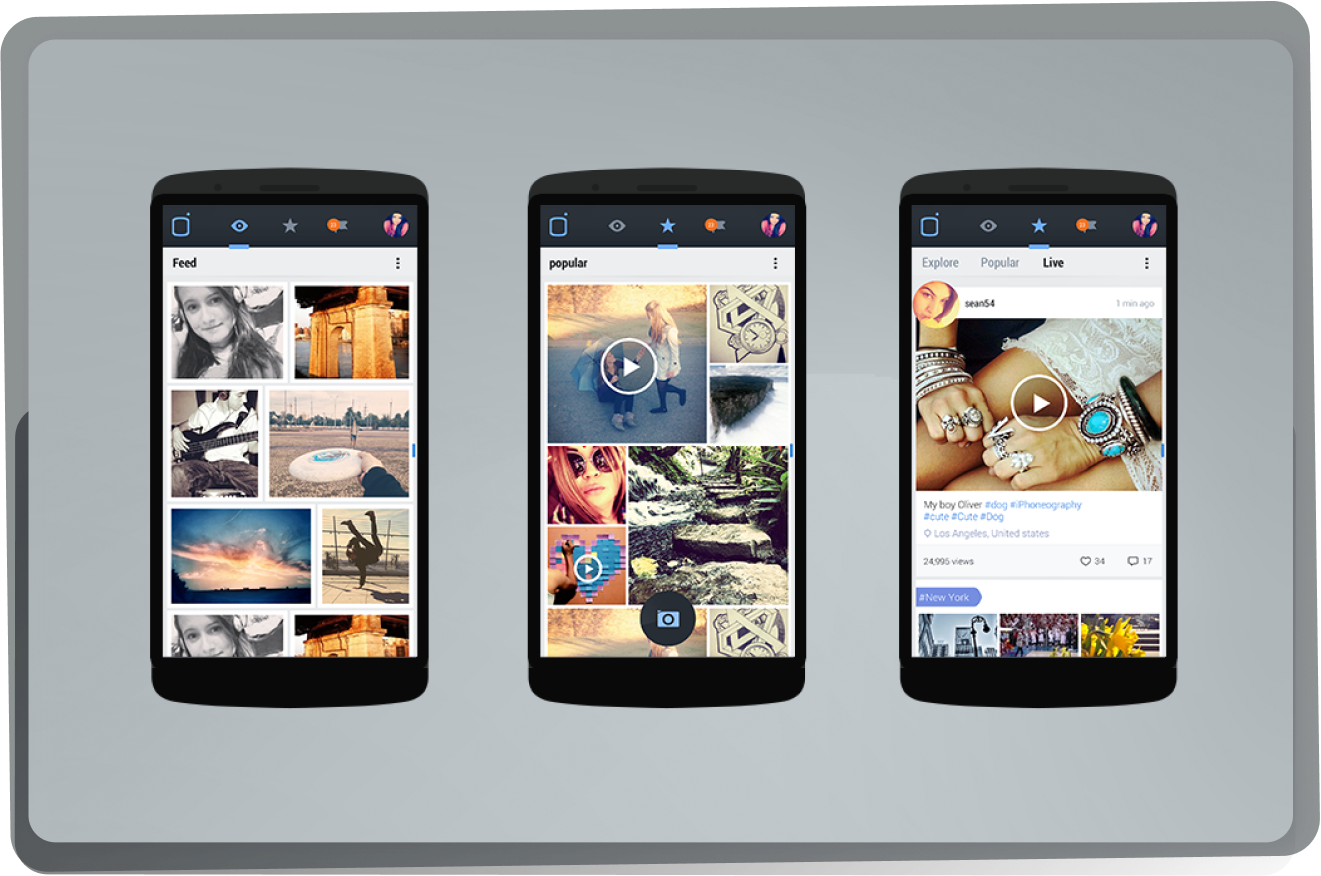
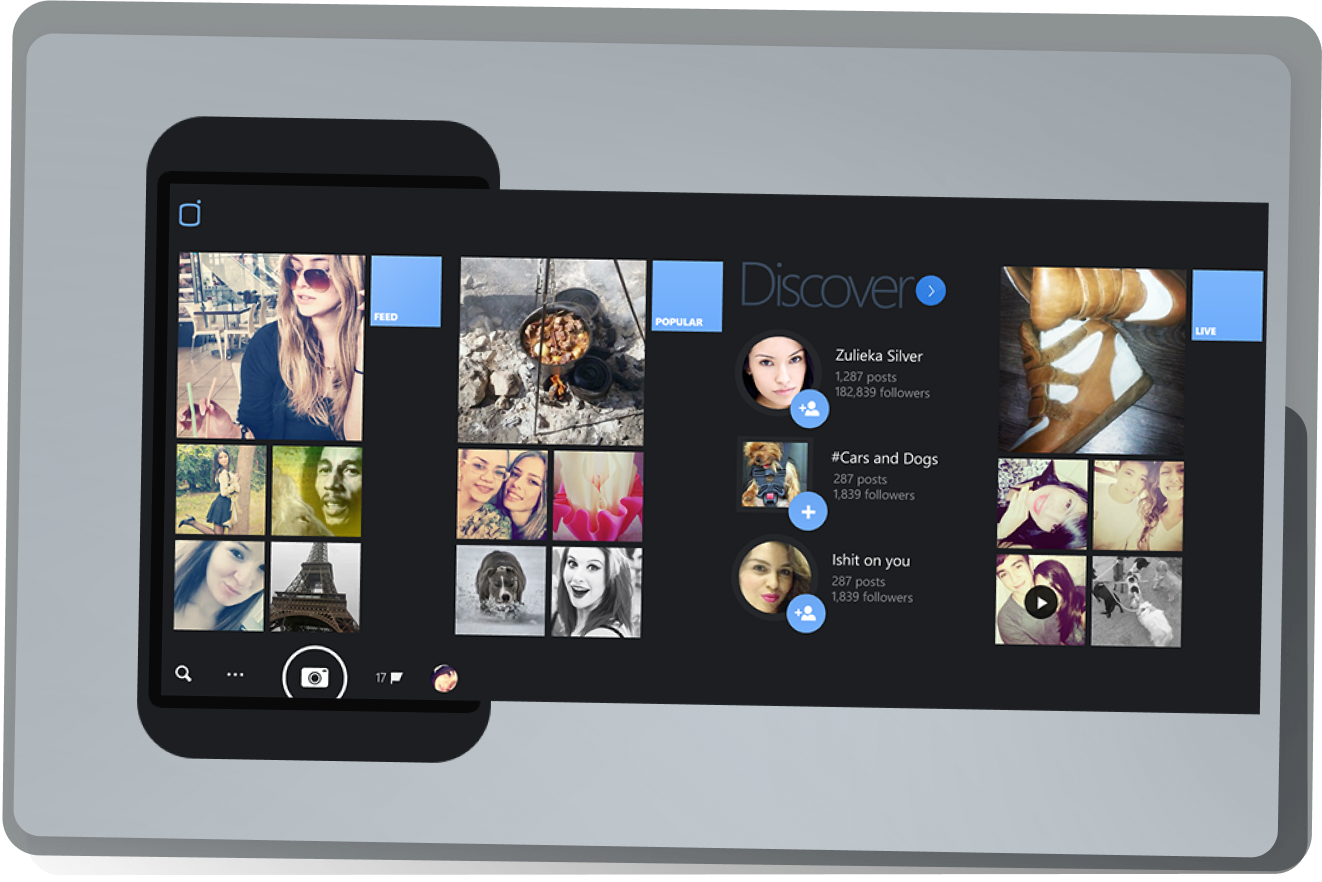
Hub views
Different sections of the main application screen with Explore to find new content, Feed for followed users and channels and Live for the newest content across the world that is streamed and posted at that moment.
Camera and filters
Redesigned UI elements for a newer version
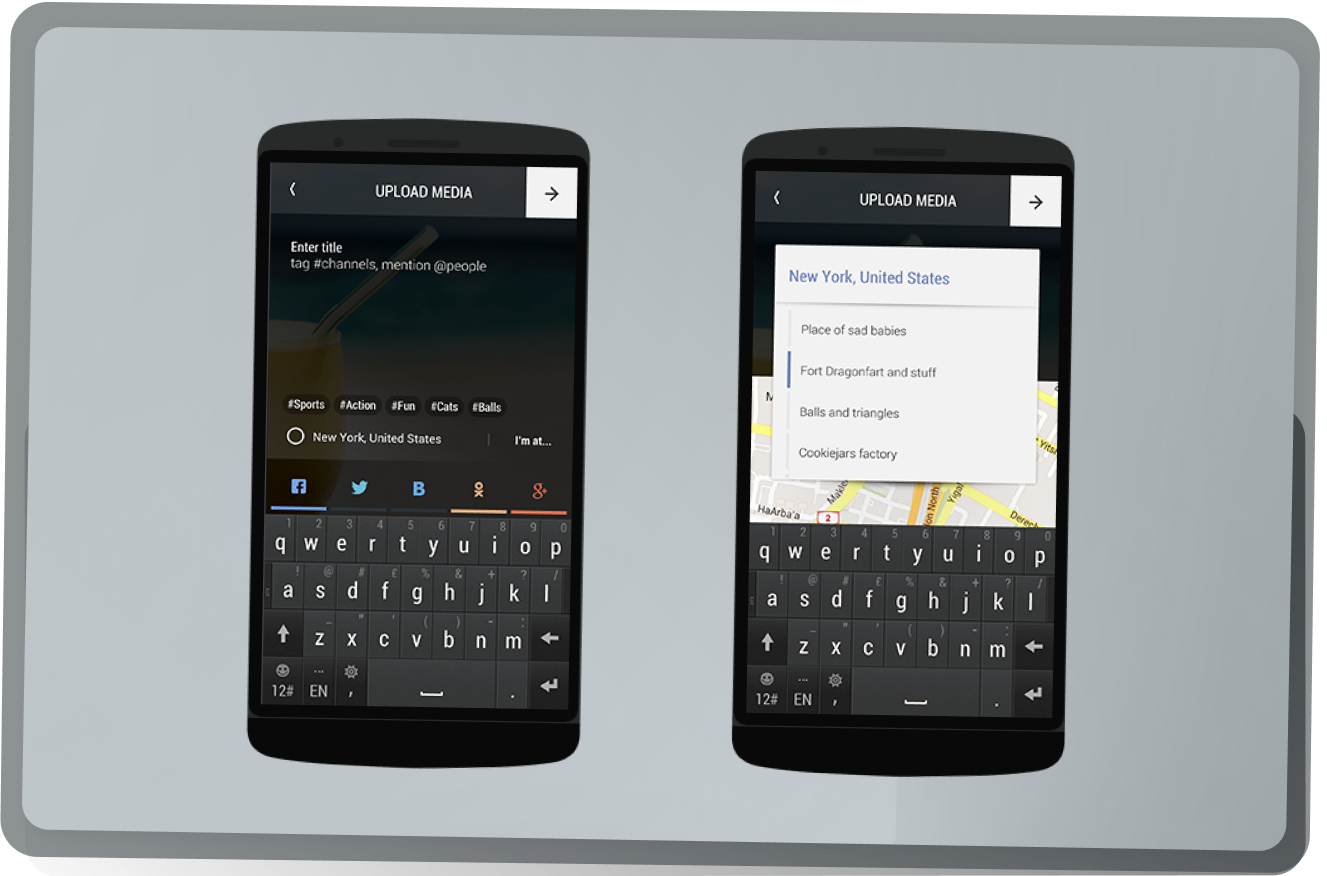
Upload media
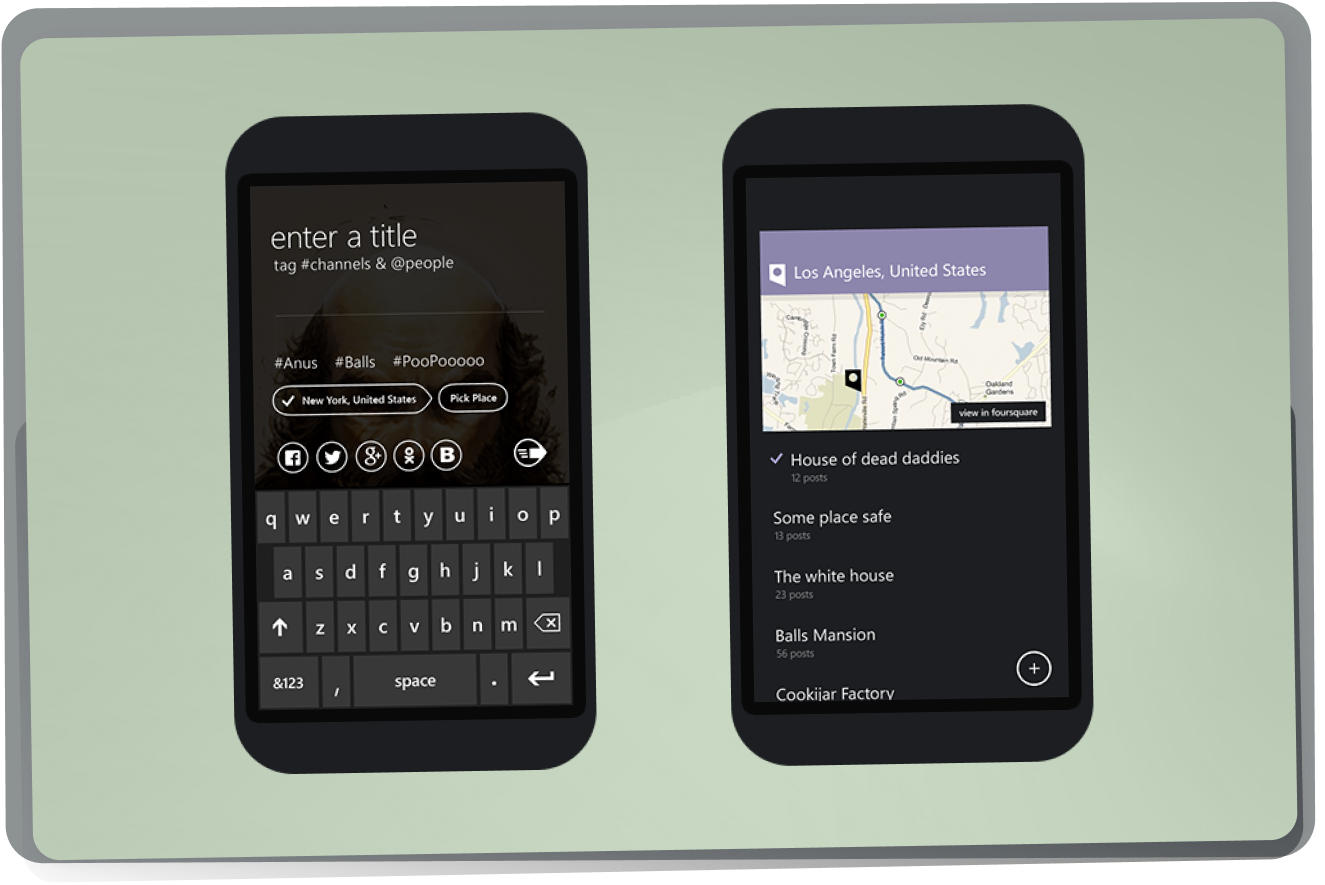
Once the user captured media (photo or video) they can choose a title, # tag it to a channel / location and / or mention @ users. Also, can share the post to different social media.
Channels and USers
Every user, tag, or location is a “channel” which can be followed.
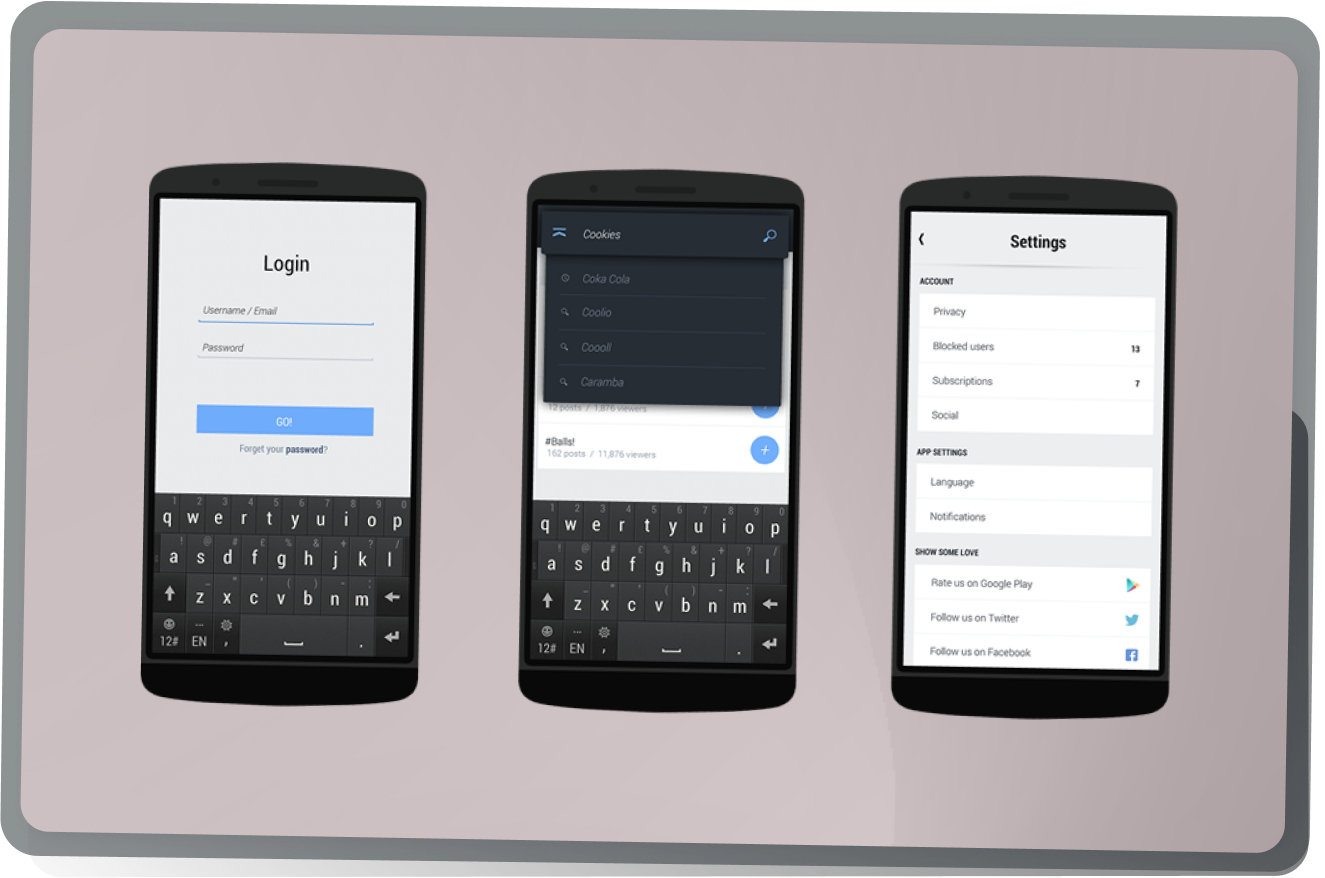
Misc app screens
Inputs, Dropdown search module and settings UI examples.
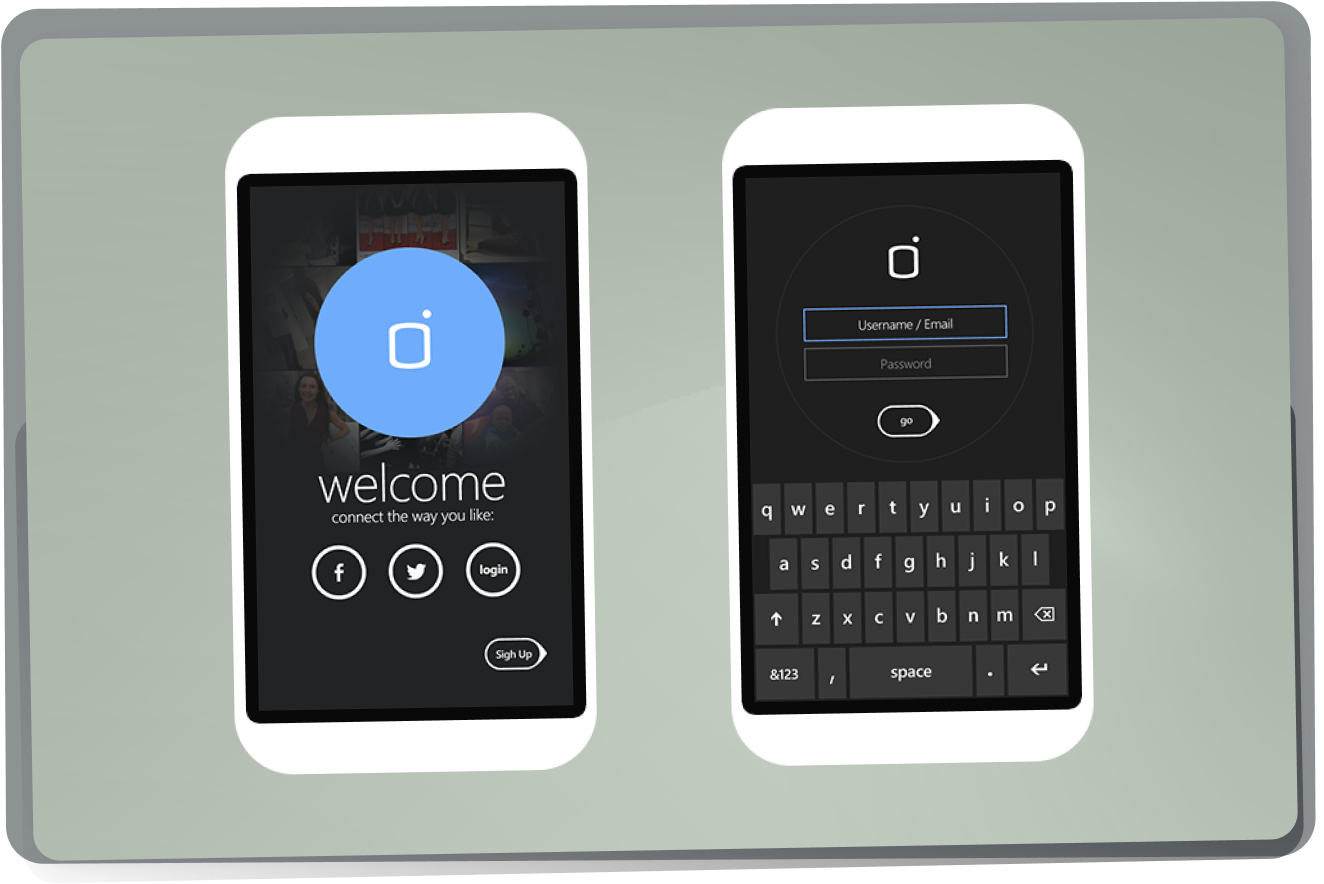
Windows PHone
Application design adaptation for the Windows Phone platform
Splash and login
Main Hub
Camera and editor
Upload media
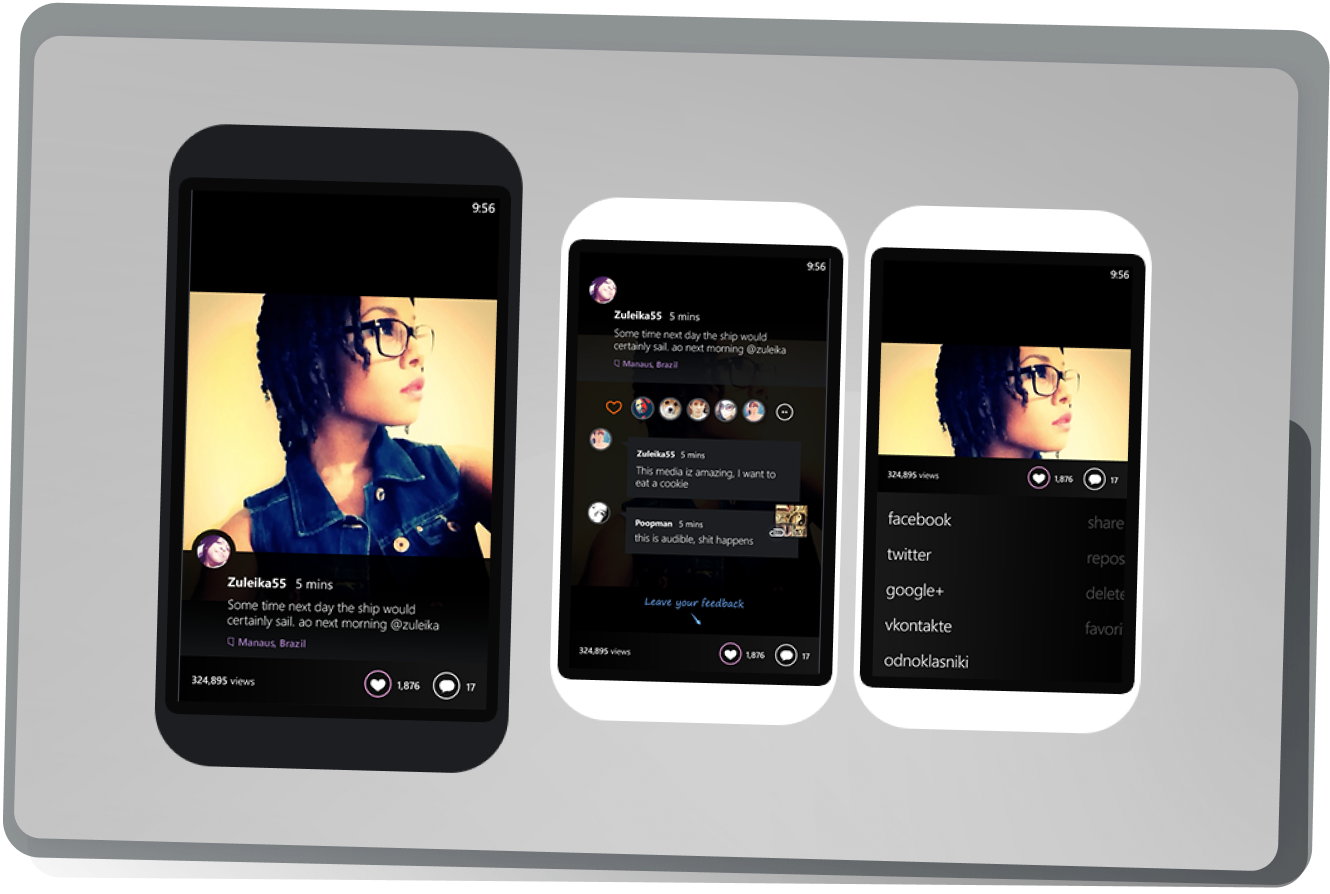
Post views
user / channels view
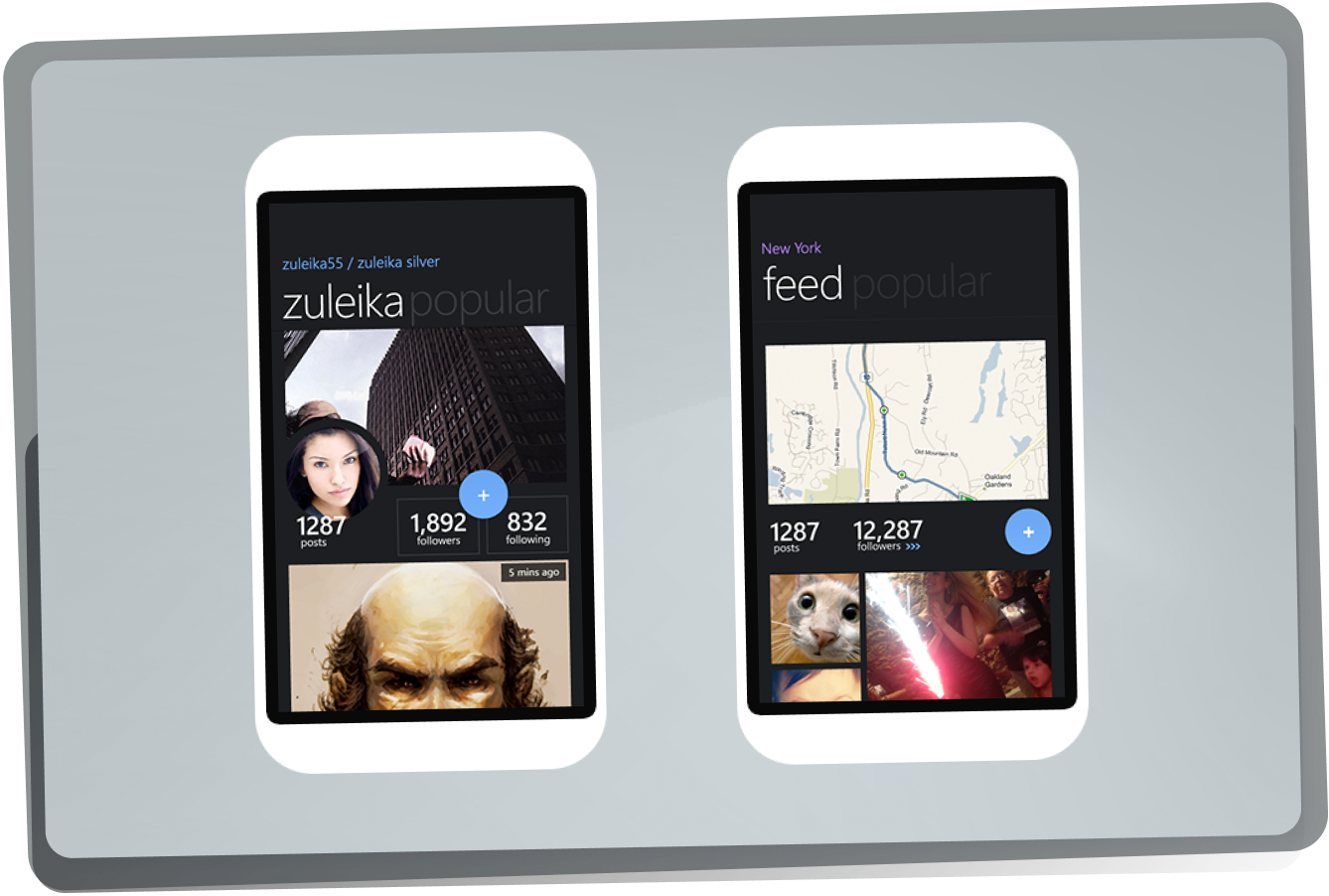
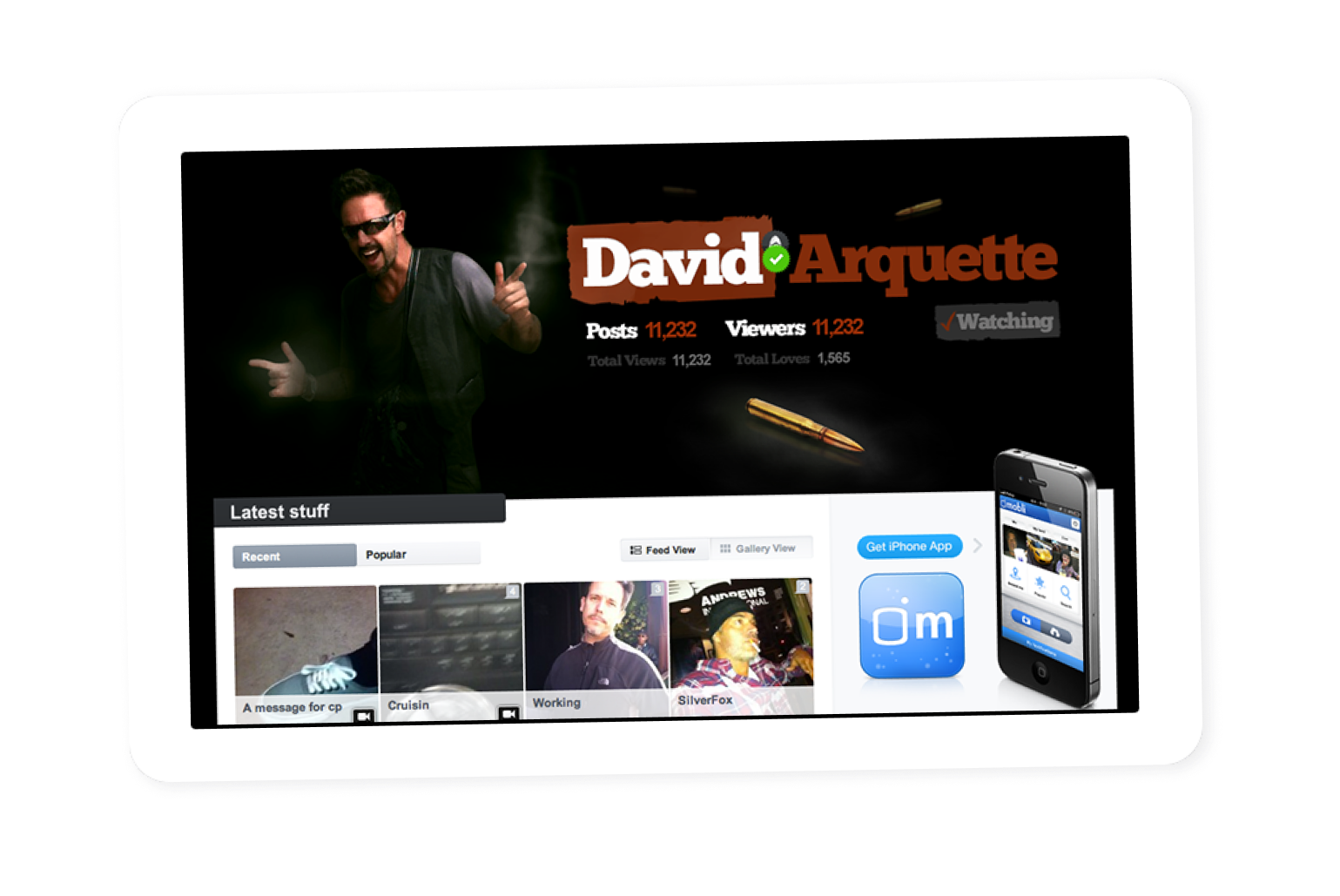
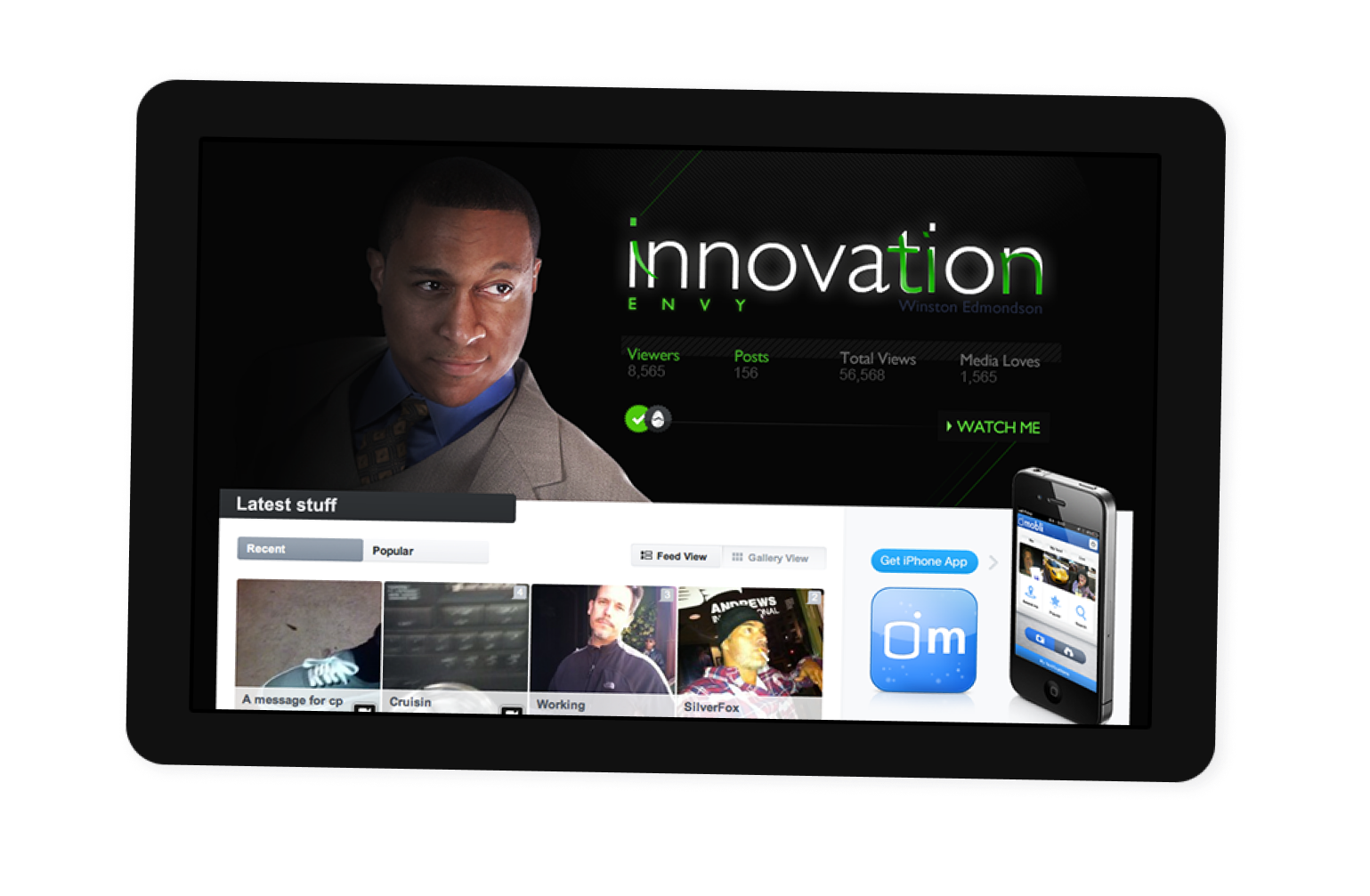
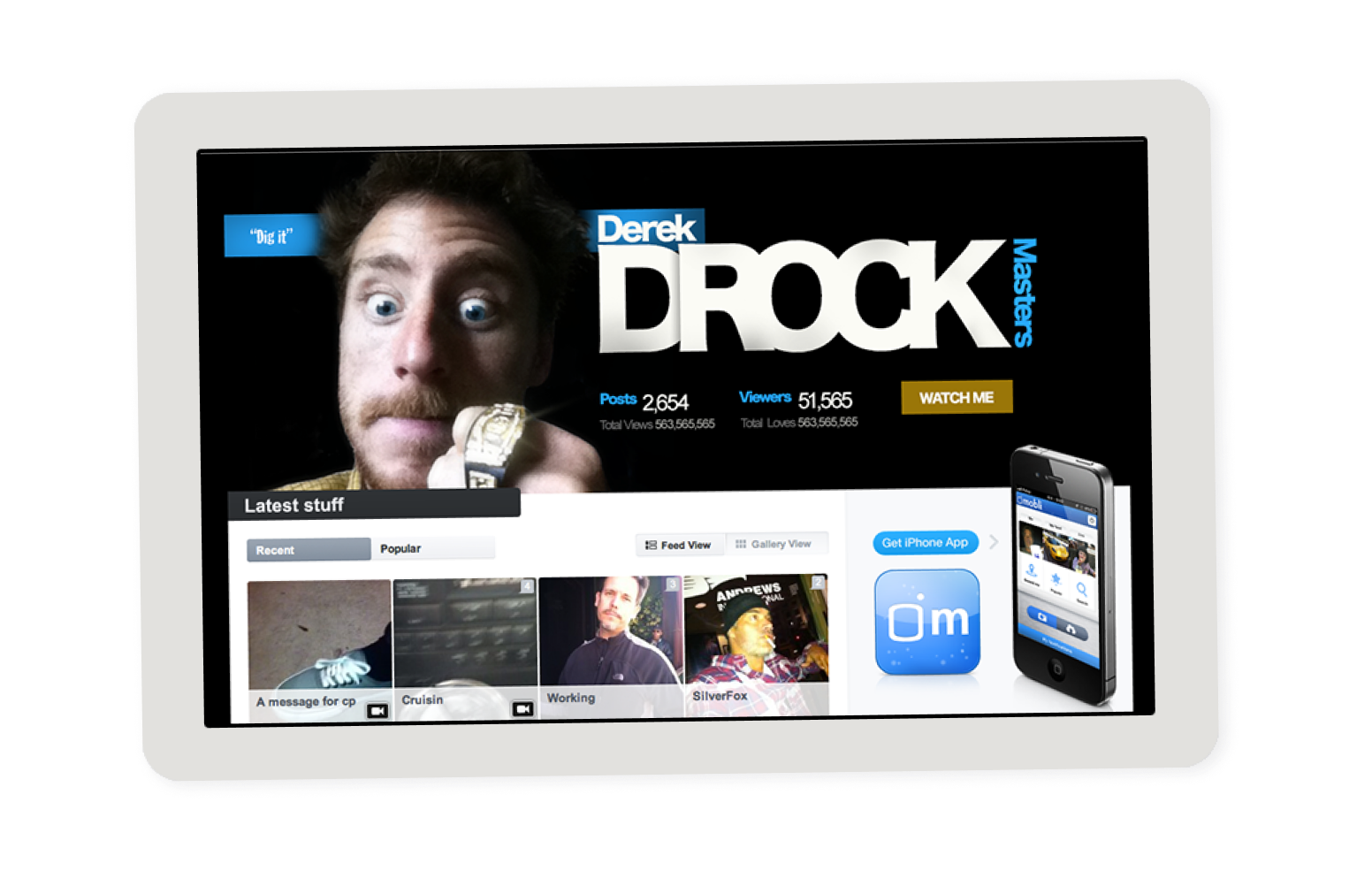
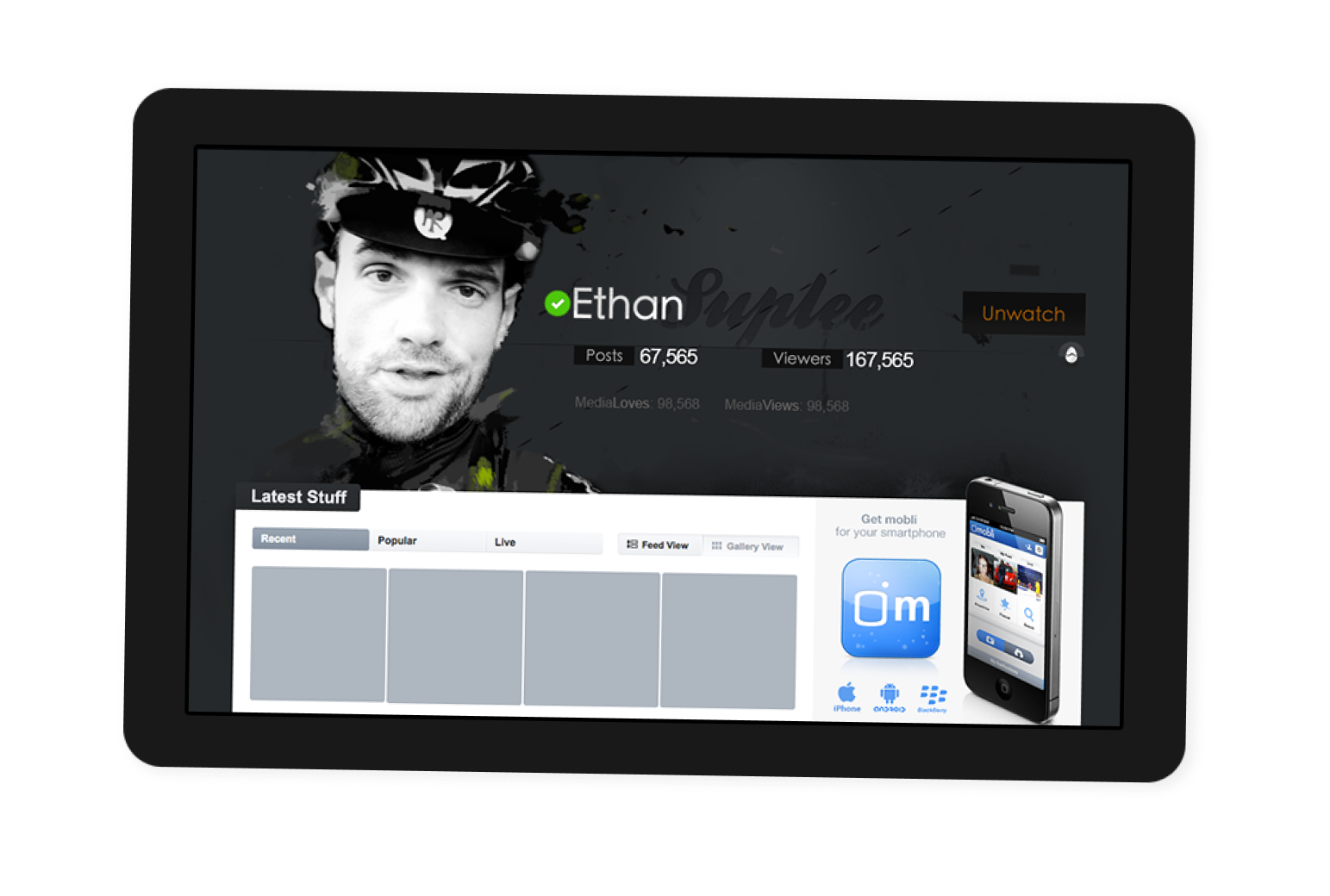
Branded profiles
Custom user headers have been assigned to certain users and channels within the application, allowing them to personalize their channels. These headers serve as unique representations of their content and branding, reflecting their specific themes and interests.
More Projects